Gitlab Integration with IBM App Connect Enterprise Toolkit
In this blog, we will learn how to integrate GitLab with IBM App Connect Enterprise Toolkit.
Introduction:
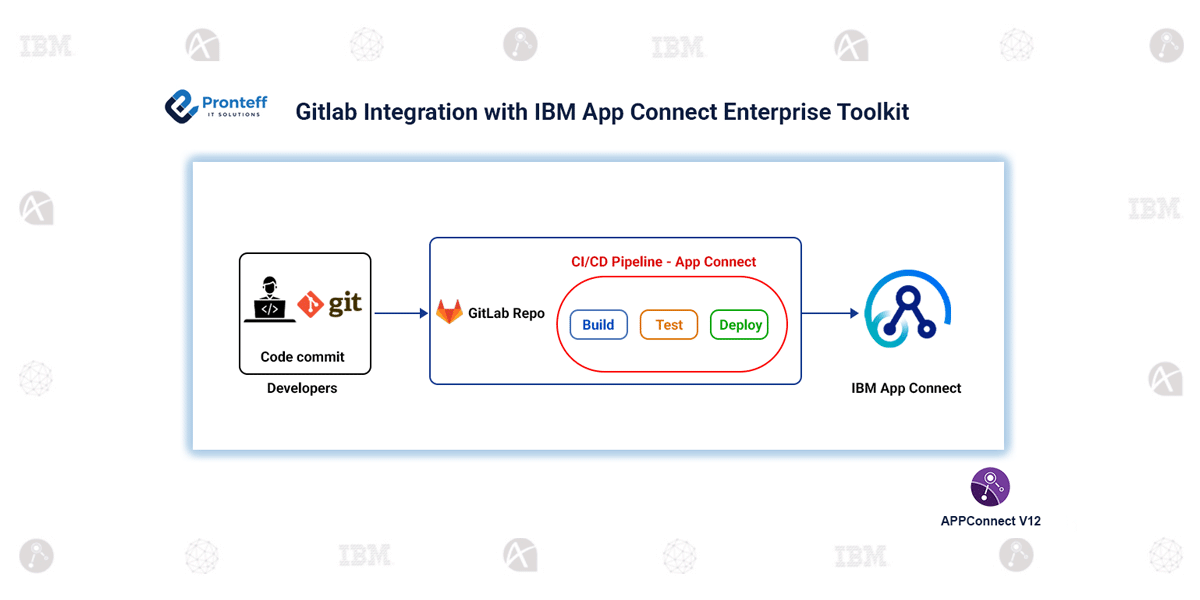
GitLab is a comprehensive DevOps platform that enables teams to host Git repositories, manage code changes, collaborate effectively, and automate build and deployment pipelines. It provides a secure and centralized environment for version control, ensuring that development projects remain organized and maintainable.
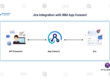
By integrating GitLab with IBM App Connect Enterprise Toolkit, developers can manage integration artifacts such as applications, message flows, and libraries under version control. This not only provides a history of changes but also facilitates collaboration among team members, reducing the risk of conflicts and ensuring that everyone works with the latest codebase.
Configuration:
To set up GitLab integration in App Connect Enterprise Toolkit, follow these steps:
- Open App Connect Enterprise Toolkit and your workspace.
- Install the Git plugin (EGit) from the Eclipse Marketplace and restart the toolkit.
- Generate a Personal Access Token in GitLab with repository access.
- Open the Git perspective in Toolkit and clone your GitLab repository using the token.
- Share your project with the cloned repository and commit/push changes. After committing locally, select Push to Upstream to update the remote repository.
Once connected, we can perform standard Git operations directly within the toolkit, such as:
- Committing changes to keep a local history of modifications
- Pushing updates to the remote repository to share changes with the team
- Pulling the latest repository state to stay in sync with other collaborators
- Creating and switching branches to manage different development streams
- Tracking file history and changes for better visibility and auditing
Conclusion:
Integrating GitLab with App Connect Toolkit simplifies version control, making it more efficient for teams to manage, track, and share integration projects. It ensures that all integration artifacts are safely versioned and accessible for collaboration.
By leveraging Git capabilities within the toolkit, development workflows become organized, transparent, and reliable. This setup not only improves team coordination but also helps maintain the integrity and consistency of integration projects across development and deployment cycles. With GitLab integration, teams can confidently work on integration applications knowing that every change is tracked and easily recoverable if needed.