
Integrating Box with IBM App Connect Enterprise Using the Box Request Node
Here in this blog, we are going to learn about Box Integration in IBM App Connect using the Box Request Node. In today’s digital environment, organizations need a reliable way to connect cloud file repositories with applications, APIs, and enterprise workflows. IBM App Connect Enterprise (ACE) provides a message-flow-based integration platform, while Box provides secure cloud content storage and collaboration.
Capabilities:-
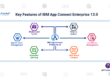
The Box integration supports file-related operations and configuration capabilities:
- Files & Folders: Create, retrieve, update, delete, or copy files and folders.
- Folder Items: Retrieve items contained within a specific folder.
- Collaborations & Comments: Manage file comments and user collaborations.
- Shared Links & Bookmarks: Generate or modify shared resource links and bookmarks.
- Tasks & Group Memberships: Assign tasks and manage groups
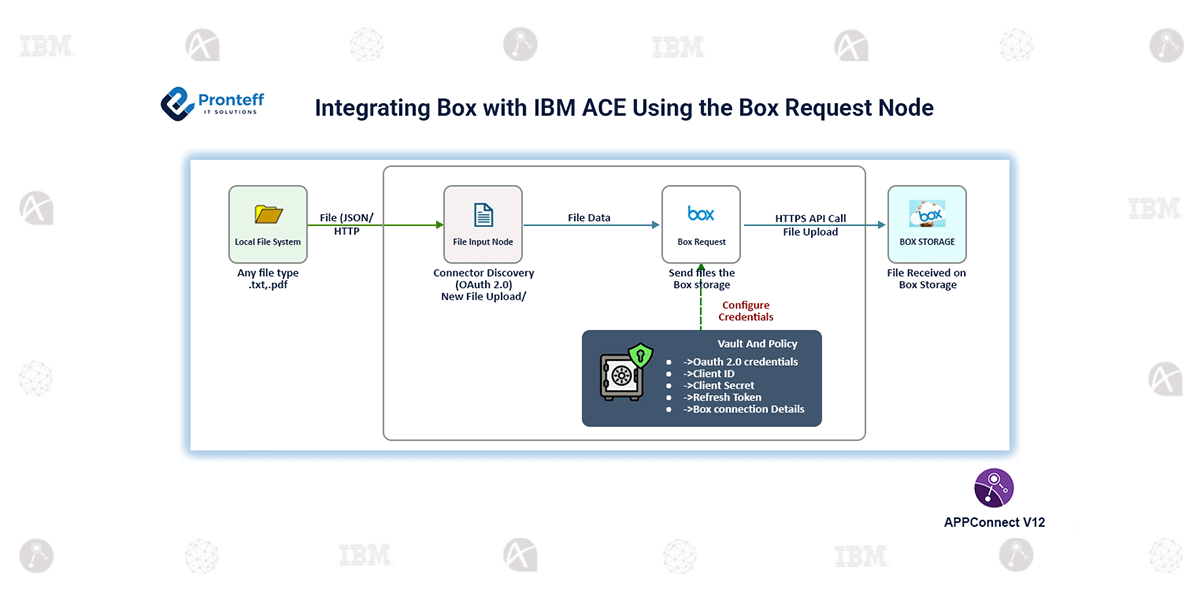
The integration follows a simple file-upload architecture:
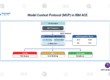
Local File System → ACE File Input → Box Request Node → Box Cloud
Connection credentials are managed using the configured Policy Project and Vault, helping keep authentication information separate from the message flow.
Procedure:-
- Create a Box Platform App using Custom App → User Authentication (OAuth 2.0).
- Configure the application and note the Client ID, Client Secret, and Redirect URI.
- Generate OAuth tokens by obtaining the authorization code and exchanging it for the Access Token and Refresh Token.
- Configure Policy & Vault and update the required node.conf.yaml settings.
- Create the ACE message flow and add the File Input and Box Request nodes.
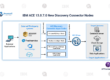
- Launch Connector Discovery and configure the Box connection.
- Select CREATE → File, choose the destination folder, specify the local directory, and save, deploy, and test the flow.
Conclusion:-
Integrating Box with IBM App Connect Enterprise (ACE) provides a secure and efficient way to transfer and manage files between local systems and cloud-based content repositories. By using OAuth 2.0 authentication and the Box Request node, ACE enables seamless interaction with Box while maintaining secure access to files and folders. This integration simplifies file management, reduces manual effort, and provides a flexible foundation for building reliable and scalable enterprise