


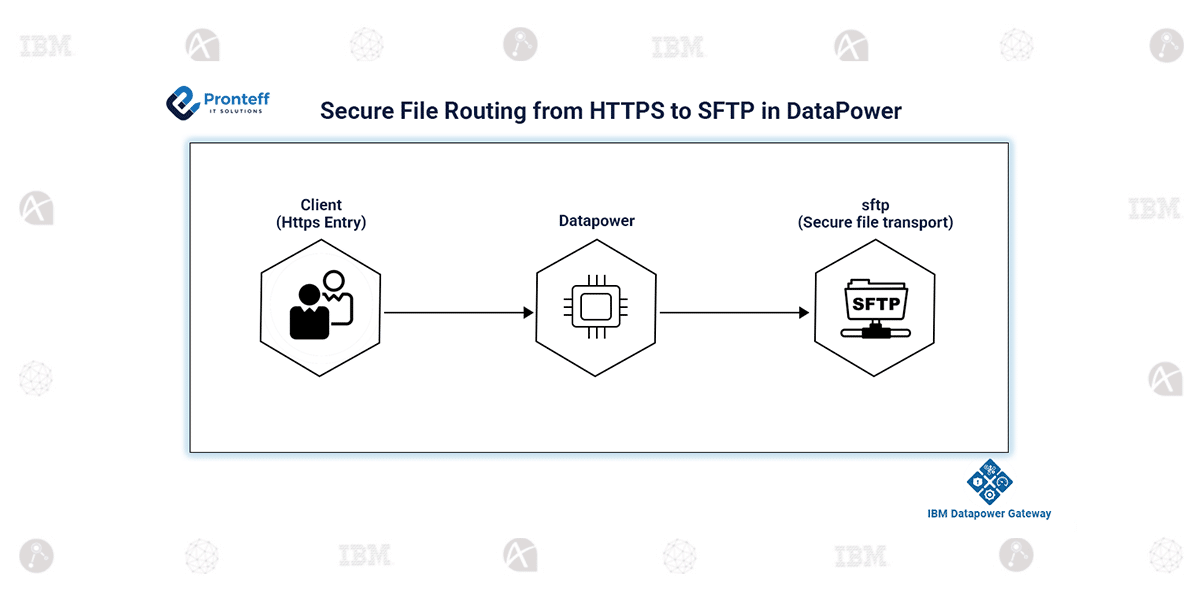
Secure File Routing from HTTPS to SFTP in DataPower
In this blog, we will learn how to secure file routing from HTTPS to SFTP in DataPower.
In modern integration environments, securely transferring files between clients and backend systems is critical. IBM DataPower Gateway provides a reliable way to implement a secure file gateway by receiving files over HTTPS and forwarding them to an SFTP server. This approach ensures that data is encrypted during transmission and processed securely within the gateway, without exposing backend systems directly to external clients.
This solution is particularly useful when clients require a simple HTTPS interface for file uploads, while backend systems are designed to consume files through SFTP. DataPower acts as a secure intermediary, handling protocol transformation, authentication, routing, and enforcement of security policies. It removes the need for direct connectivity between clients and backend systems, reducing risk and improving control over file transfers. Additionally, it supports scalability and centralised management, making it suitable for enterprise integration scenarios.
Configuration Steps:
- Create a service (such as a Multi-Protocol Gateway) to accept HTTPS file upload requests from clients.
- Configure the backend URL using the SFTP protocol (for example, sftp://server-name) to define the destination server.
- Use a custom XML Manager along with a User Agent to manage backend communication settings.
- Define an SFTP Client Policy with a URL matching expression like sftp* to route all SFTP requests properly.
- Configure an SSH Client Profile with authentication details such as username, password, or key-based access.
- Enable additional options, such as unique file naming or file overwrite handling, based on your business requirements.
- Deploy the service, test with a sample HTTPS request, and verify file delivery on the SFTP server.
Conclusion:
This approach provides a simple, secure, and efficient way to build a file gateway using DataPower. It ensures reliable file transfer, enhances security, and simplifies integration between systems. By leveraging native features, developers can quickly implement HTTPS-to-SFTP solutions with minimal effort while maintaining enterprise-grade scalability and flexibility.