

Enhancing API Definition with Customer Vendor Extensions
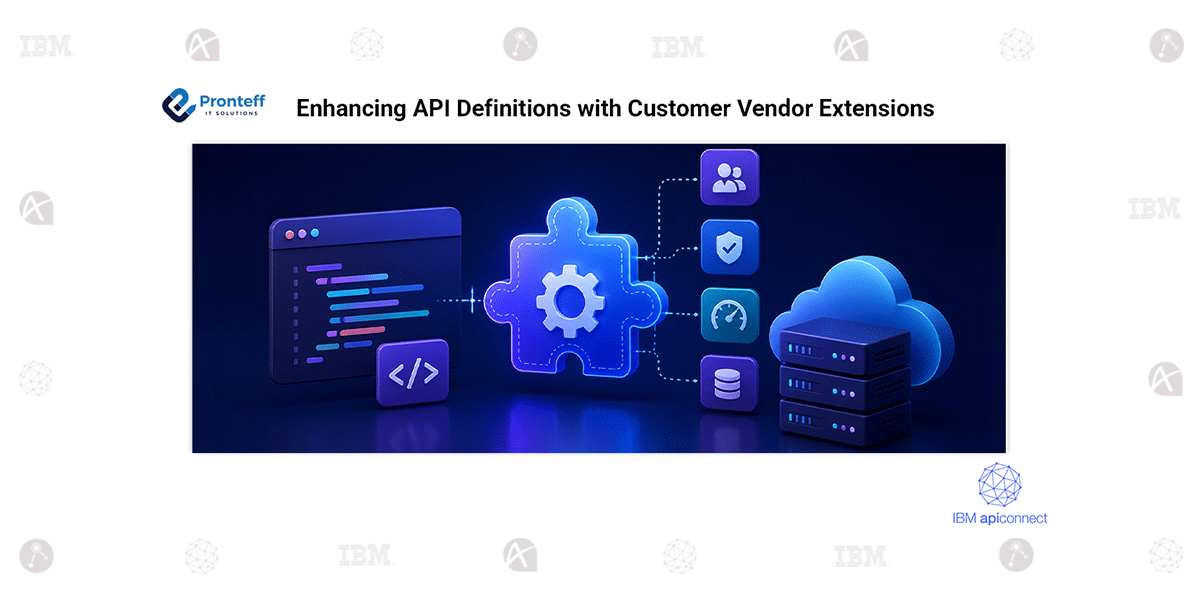
In this blog, we will learn about enhancing API definitions with Customer Vendor Extensions in IBM App Connect.
Introduction
IBM API Connect provides Customer Vendor Extensions to extend standard API definitions with custom configuration and gateway-specific functionality. These extensions allow organizations to add reusable capabilities without modifying the standard API specification.
In this implementation, IBM API Connect Toolkit is used to create and deploy Customer Vendor and Rate Limit Extensions to the Sandbox catalog. The extensions are then added to an API definition, published to the catalog, and verified through the Developer Portal.
Core Capabilities
Custom API Configuration:
Enhances API definitions with vendor-specific configuration.
Reusable Extensions:
Allows multiple APIs to use the same catalog-level extension.
Gateway Integration:
Supports gateway-specific functionality through services such as DataPower.
Catalog-Level Management:
Extensions can be created and managed within a specific API Connect catalog.
CLI-Based Deployment:
The API Connect Toolkit provides CLI commands for creating and managing extensions.
Developer Portal Integration:
Published APIs can be verified through the Developer Portal.
Configuration Steps:
- Download the IBM API Connect Toolkit for Windows from Download Clients → CLI Only. Extract it to a location such as C:\apic-toolkit, open Command Prompt as Administrator, and configure the toolkit path.
- Log in to the IBM API Connect environment through the API Manager. Add the required Customer Vendor Extension and Rate Limit Extension YAML files to the toolkit directory and ensure they are correctly formatted.
- Create the extensions in the Sandbox catalog using the apic extensions: create Specify the organization, catalog, API Manager server, and configured DataPower gateway service.
- Add the required x- prefixed vendor extension configuration to the API source definition. Validate the API and push it to the Sandbox catalog.
- Open the Sandbox Developer Portal and navigate to the published API. Verify that the Customer Vendor Extension is available and configured correctly.
Conclusion
Customer Vendor Extensions provide a flexible way to add custom and reusable functionality to APIs. Using the API Connect Toolkit, organizations can create extensions, deploy them to a catalog, configure APIs, and verify the results through the Developer Portal while maintaining centralized API management and governance.